What is Eventop?
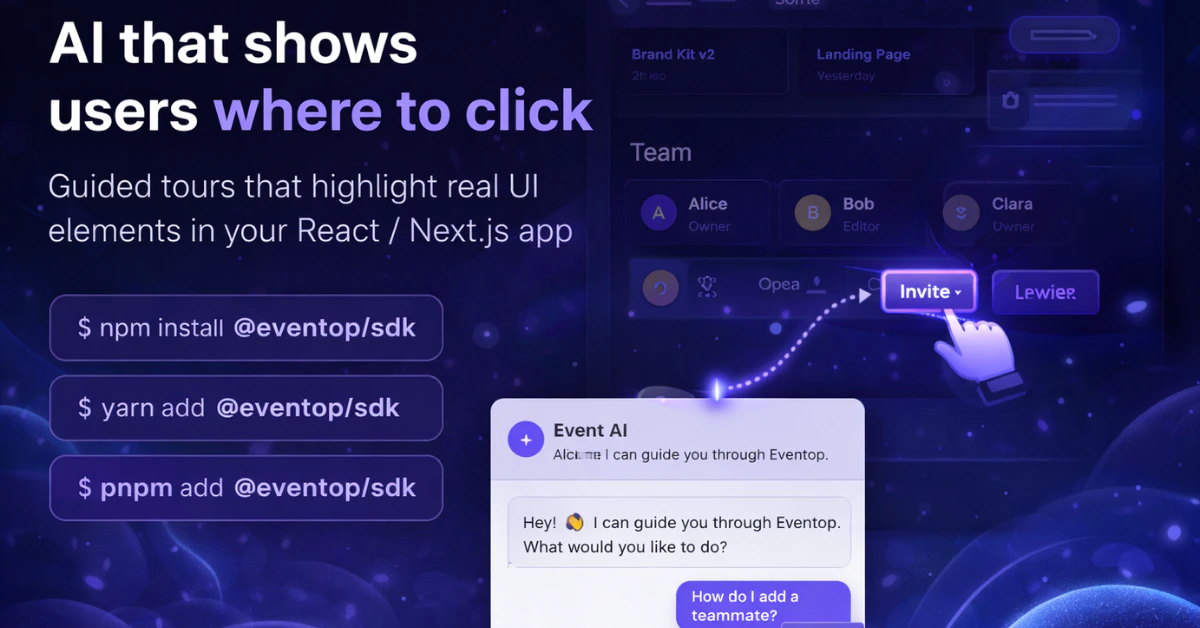
Eventop is a drop-in SDK that adds AI-guided tours to your React or Next.js app. Wrap any element with<EventopTarget> — the AI handles the rest. When a user types what they need in the chat bubble, the SDK figures out which features are relevant, navigates to the right pages, and walks them through step by step.
No changes to your existing components. Works with any component library.
Quickstart
Up and running in 3 steps
React Setup
Full setup guide for React Router apps
Next.js Setup
Full setup guide for App Router and Pages Router
API Reference
Props, hooks, and methods
How it works
Add the provider
Wrap your app with
<EventopAIProvider> and pass your server route and router function.Key features
Cross-page navigation
Cross-page navigation
Multi-step flows
Multi-step flows
Use
<EventopStep> to break complex interactions into sequential steps. Steps can live in completely different components — they self-assemble by index.Async validation
Async validation
Block a tour from advancing until the user correctly completes a form action. Use
stepComplete() and stepFail() from the useEventopAI hook.Themeable
Themeable
Customize colors, radius, and fonts with theme tokens. Supports light, dark, and auto modes.
Framework agnostic wrapping
Framework agnostic wrapping
<EventopTarget> wraps anything — <div>, shadcn, MUI, Radix, or your own components. You never modify the component itself.